Integrated project & equipment management platform for film schools.

TONGANew_V1-768x768

TONGA

Are your student projects lacking transparency?

Project Chaos

No orientation in your student projects?

Communication Chaos in multiple channels?
Never sure which is the current script/budget...
you name it?

Tools all over the place

Too many tools, data slios, delays?
Endless email pingpong on approvans?
Inconsistend data in multiple Excel sheets?
MS Word?
Still work with Filemaker?

Equipment rental confusion

No clarity in the booking process?
Approval by teachers?
Management of item units?
Overdue management?

TONGA solves these challenges in one system.

Developed by filmschools for filmschools

TONGA is the first project and equipment management platform built by film schools, for film schools. Developed and in active production use at two of Germany's most prestigious film universities, it solves the exact operational chaos every film school knows — and no generic software ever could.

Key Features

General Features

Embed your student projects into your IT landscape.

Tonga unifies project workflows and equipment rental in a single platform — reducing data silos, eliminating redundant tools, and improving coordination between students, faculty, and technical staff.

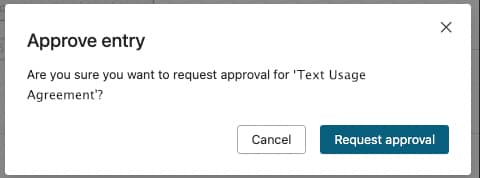
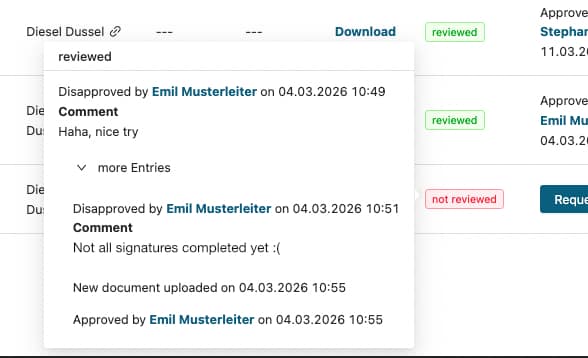
From students to supervisors and department heads, permissions can be assigned by role, project, or asset. Approvals can be requested, tracked, and documented with full transparency.

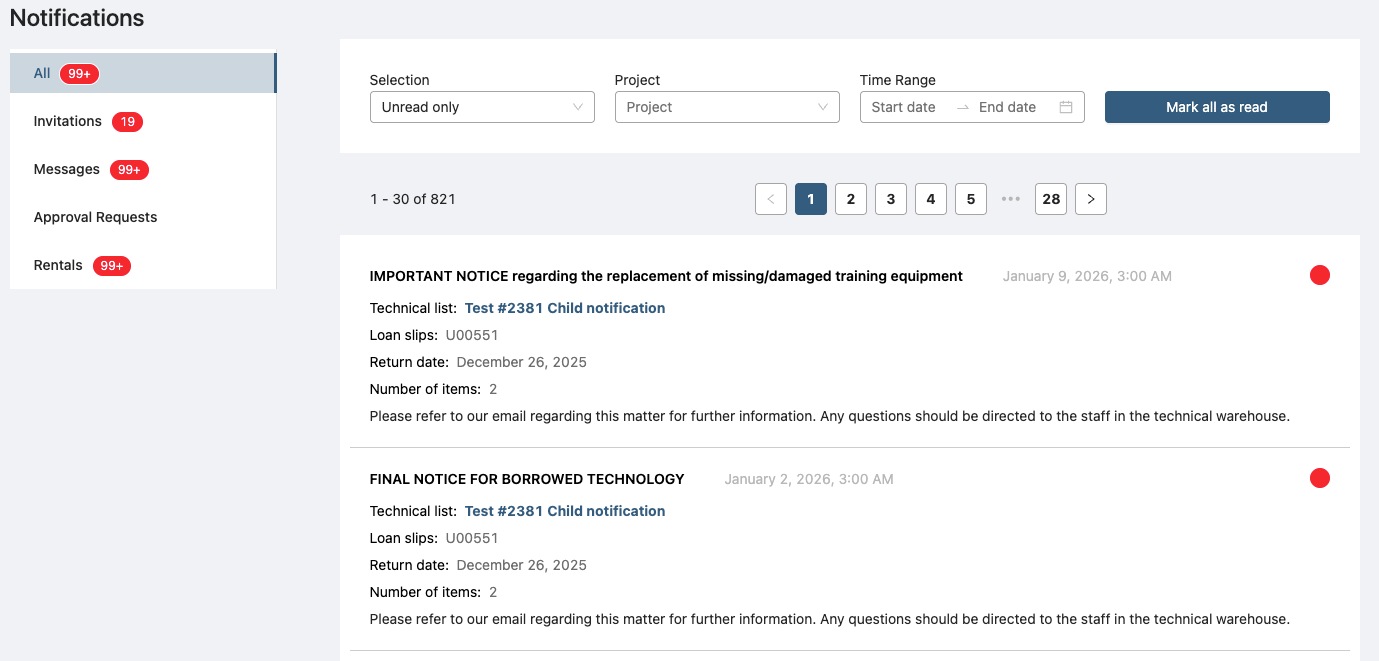
A sophisticated notification system keeps users on track about

  • approval requests and approvals,
  • overdue rentals
  • the risk to future loans due to the overdue status of current loans
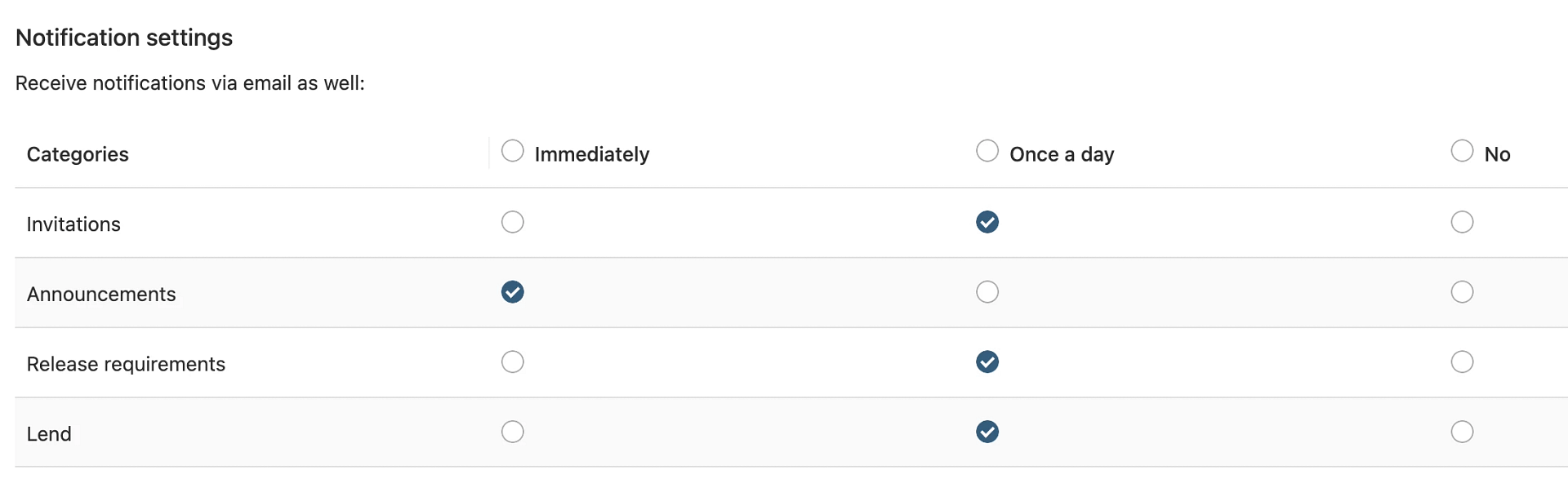
"Configurable Email Dispatch"

„For each of the four notification categories, you can set whether email notifications are sent. An email can be sent immediately when the event occurs or daily summaries can be sent once a day.“

Tonga integrates into existing university IT environments.

This includes:

  • Campus management systems

  • Identity & Access Management (IAM) solutions

  • Central user directories (e.g. LDAP, Active Directory)

This enables:

  • Single Sign-On (SSO)

  • User role synchronization

  • Secure provisioning and de-provisioning

Tonga is designed with privacy and compliance in mind, following European data protection standards and supporting self-hosting models.

Project Management

Always stay up to date with the student projects.

Film production projects and other projects in the university context are highly individual. The software therefore supports different types of projects which are highly customisable.

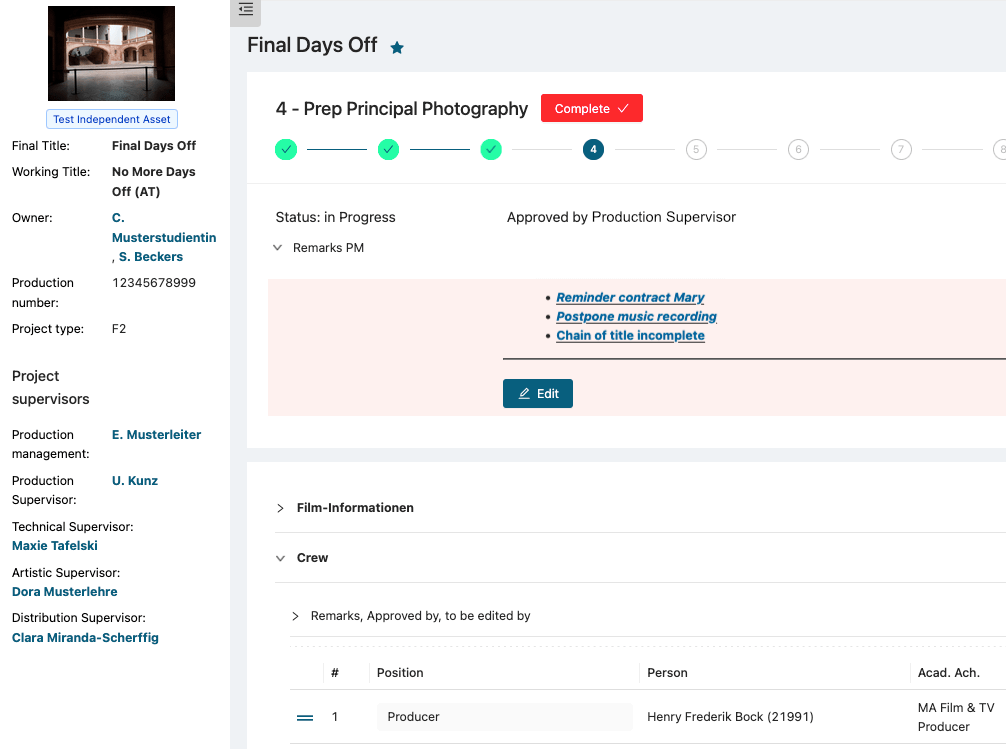
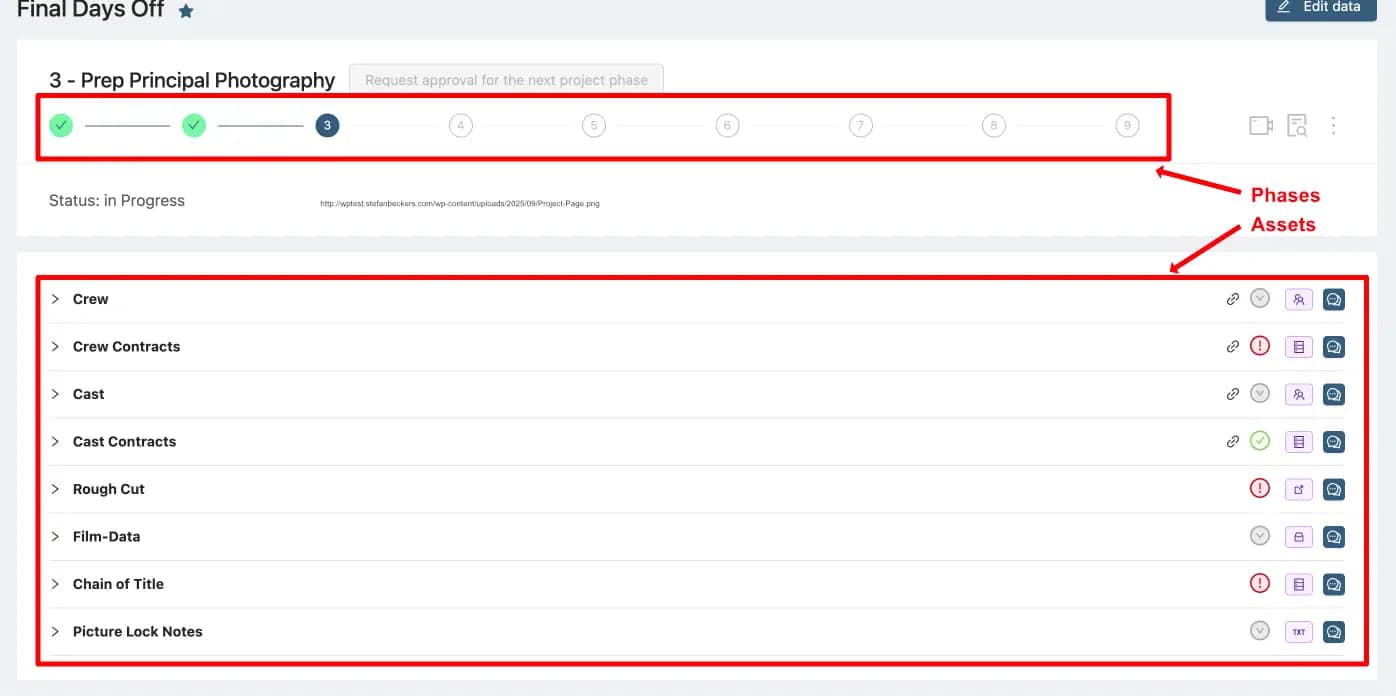
Each project is backed by a preconfigured workflow. A workflow consists of phases which again consist of assets. This allows lecturers to structure complex projects into logical units and to guide students through the process of realisation of their project. However this structure does not necessarily have to be a strict tree.

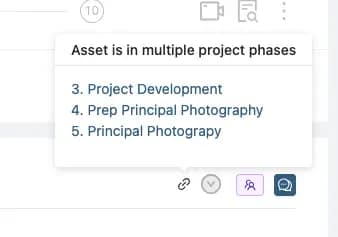
Assets that span multiple phases (e.g. a film script which is evolved during the project process) can be placed into all of them without the need for users to copy any data or to upload things twice. Thus your data stays consistent.

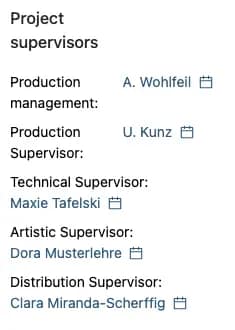
Differentiated categories of supervisors

Alongside the built-in roles for production and post-production supervisors, the system flexibly supports project and personal supervisors.

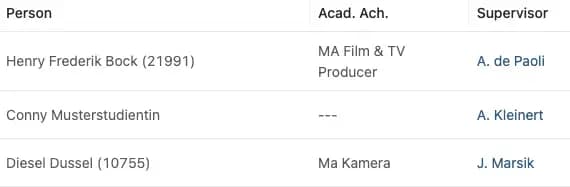
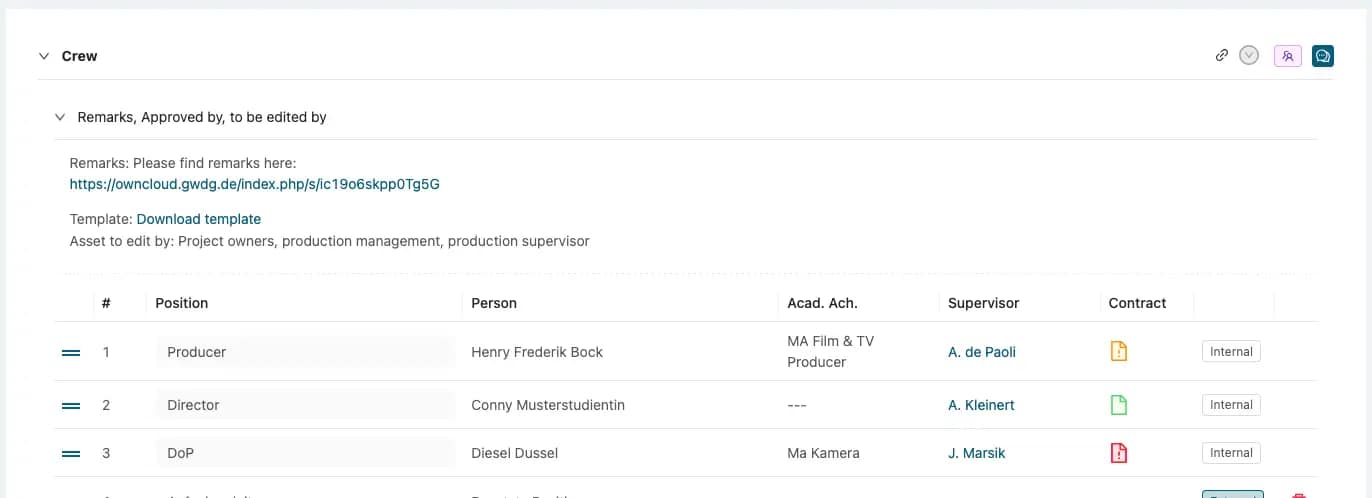
Person list

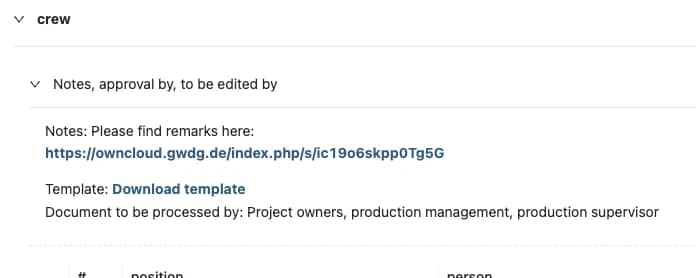
Person lists keep all members of the project. You can have as many person lists as you need, for example one for the crew and another for your cast.

Entries can be sorted manually.

Functions, supervisors, and academic achievals can be assigned to each person. These assignments can be used for definition of approvals etc.

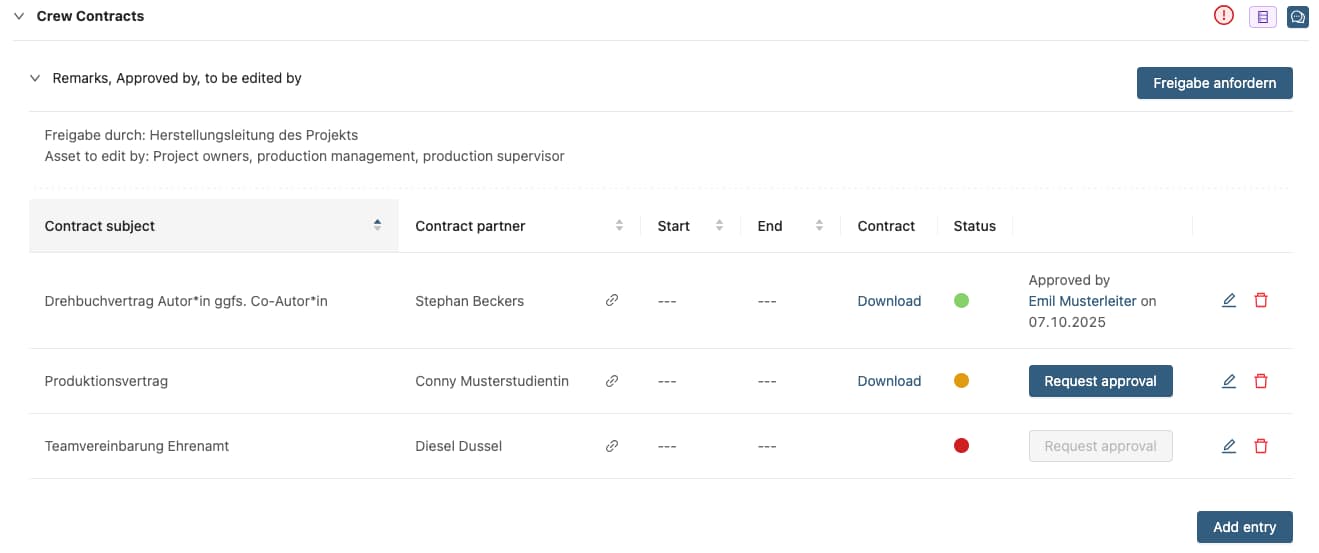
Contract management

The asset keeps all contracts. Clear status icons show the current approval state.

Link people from your contact lists as contract partners — their approval status is instantly visible.

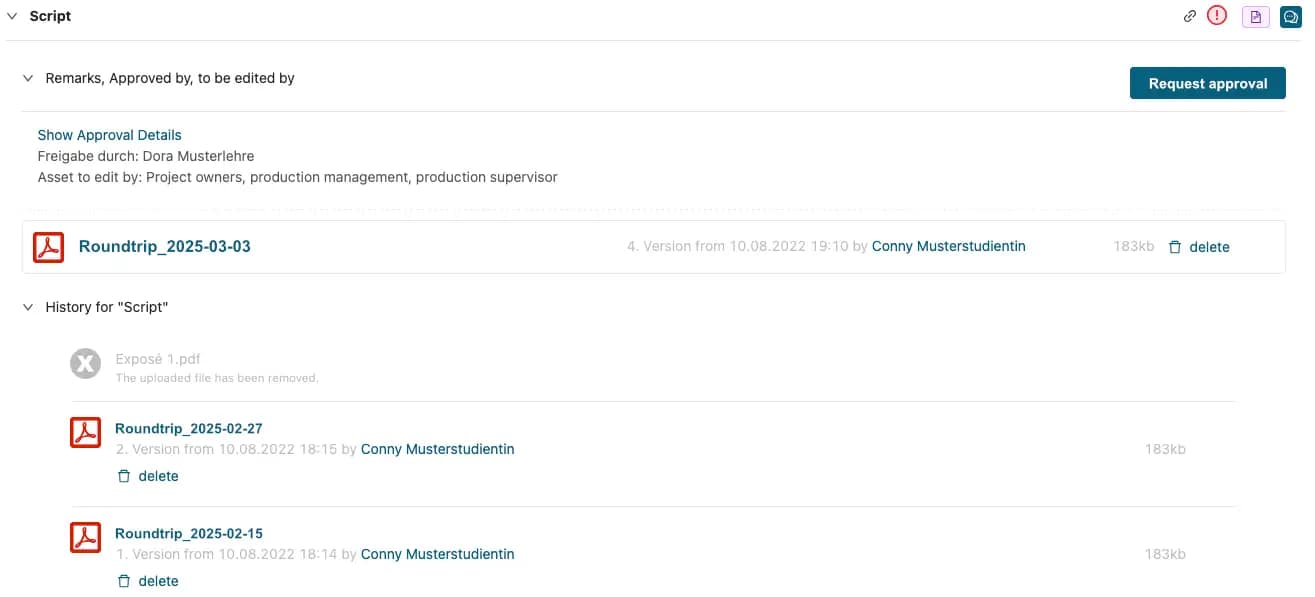
Single document

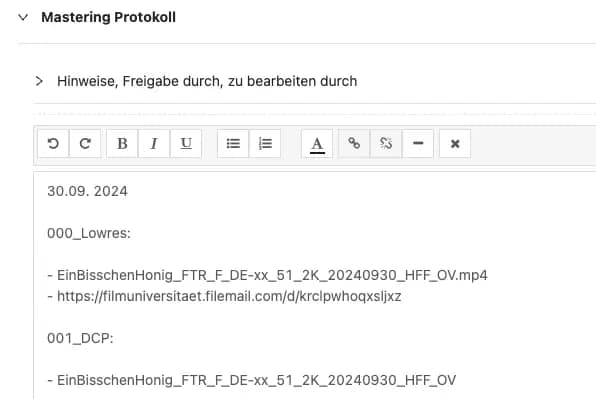
Designed for documents which have to be approved or you just want to give access to. The asset provides version history.

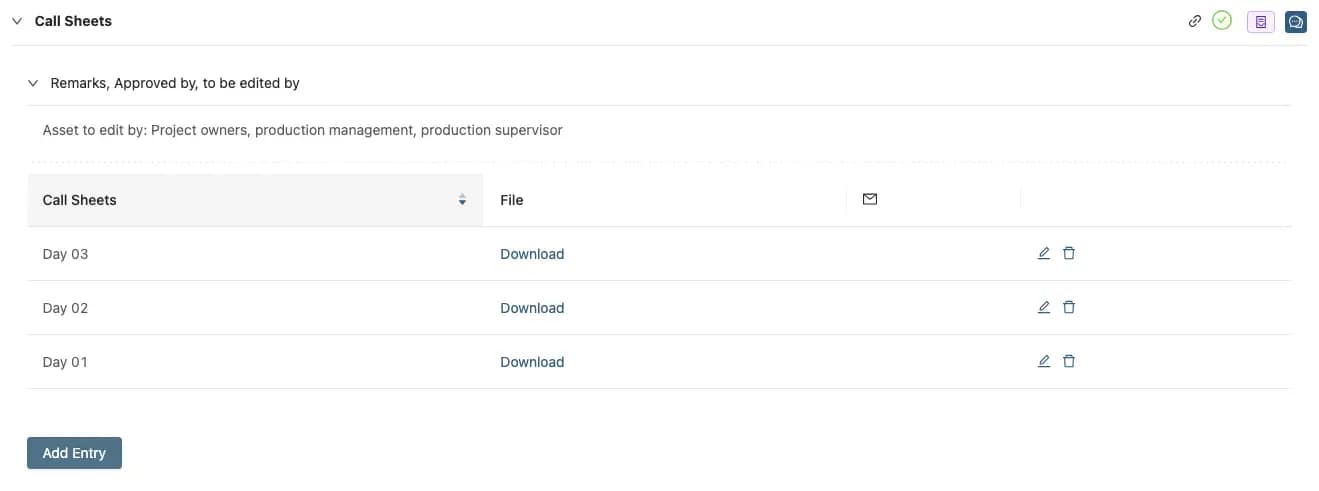
Document collection

Designed to manage entire collections of documents such as daily production reports or call sheets.

Checklist

The checklist asset is pretty self-explanatory

Production plan

With a Gantt chart, projects can be structured according to their timeline.

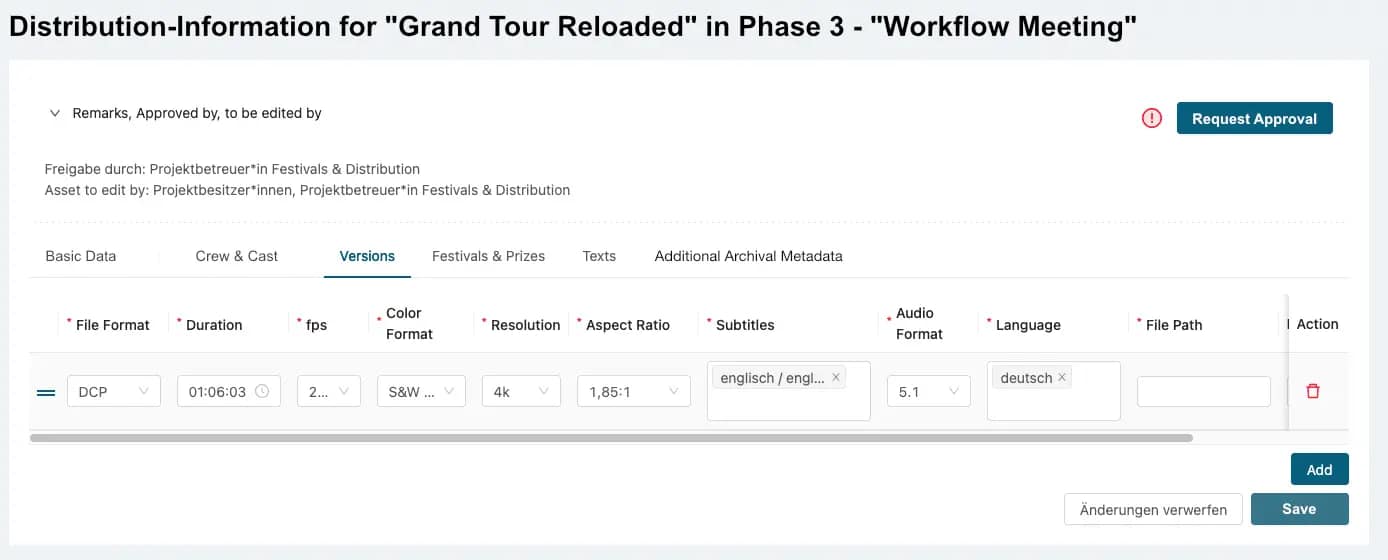
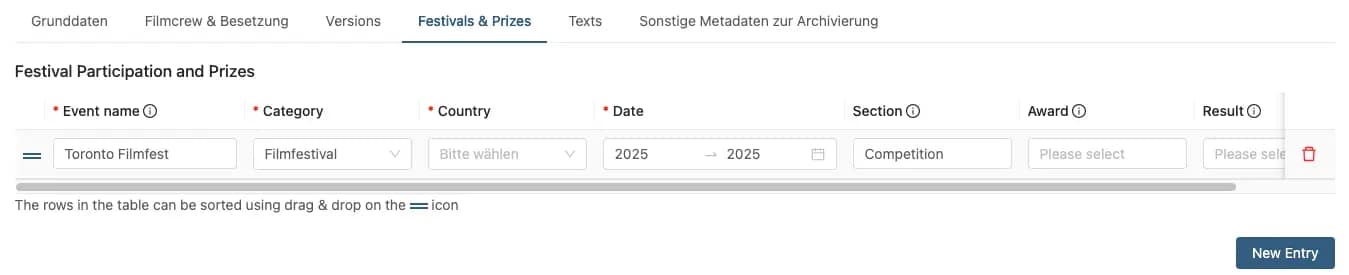
Distribution information

All kinds of Information relevant for distribution and even for archiving are stored here.

Link

This asset-type can be used for communicating the location of external elements like streaming platforms or cloud-spaces, for example, storage locations of versions of the film..

Text element

Rich Text, general purouse

Assets in General

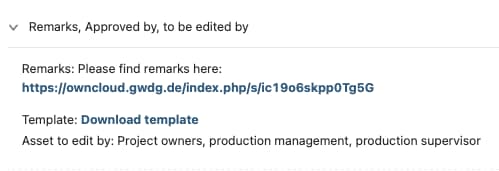
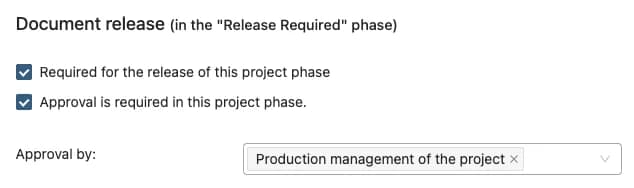
All assets can be configured to require approval

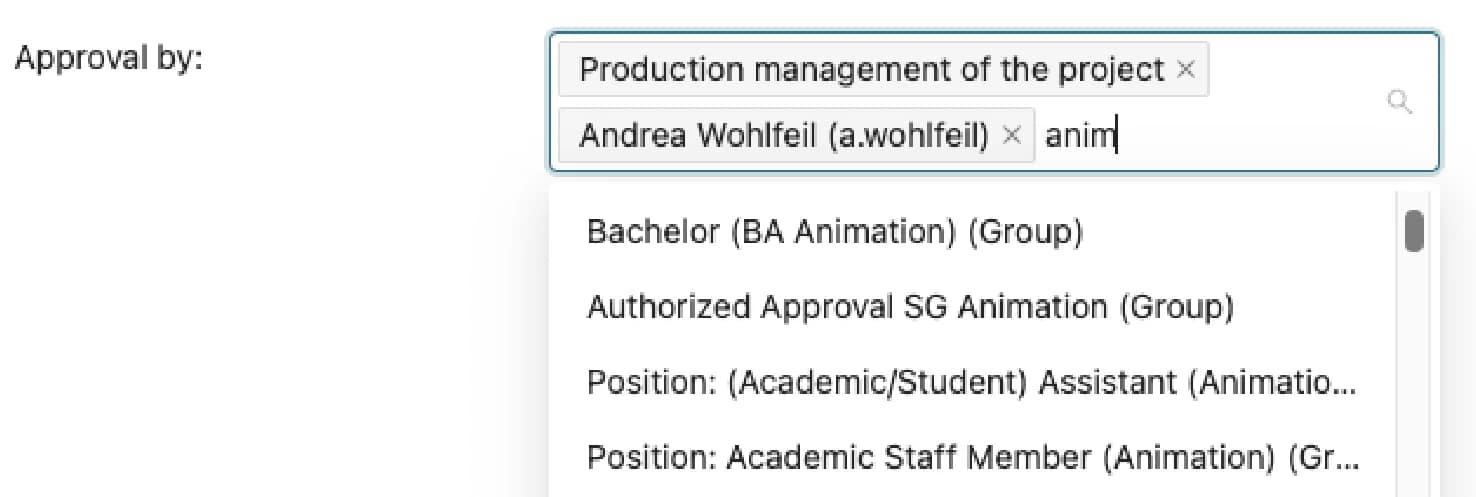
Approvals and edit-permissions can be configured for each asset and for each phase.

Front end view
Configuration view

Equipment Rental

Manage your rentals streamlined and transparent.

Chose from the equipment list

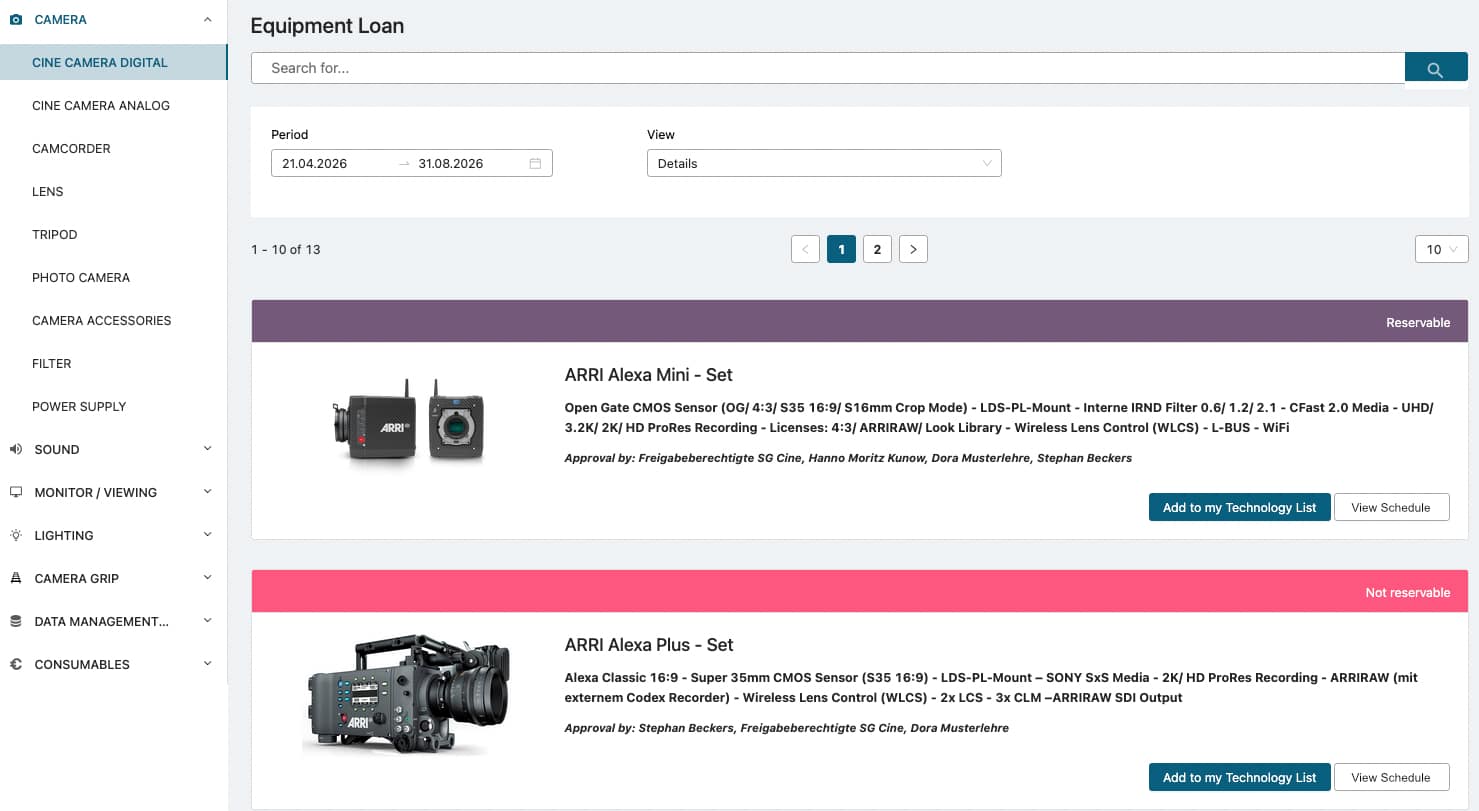
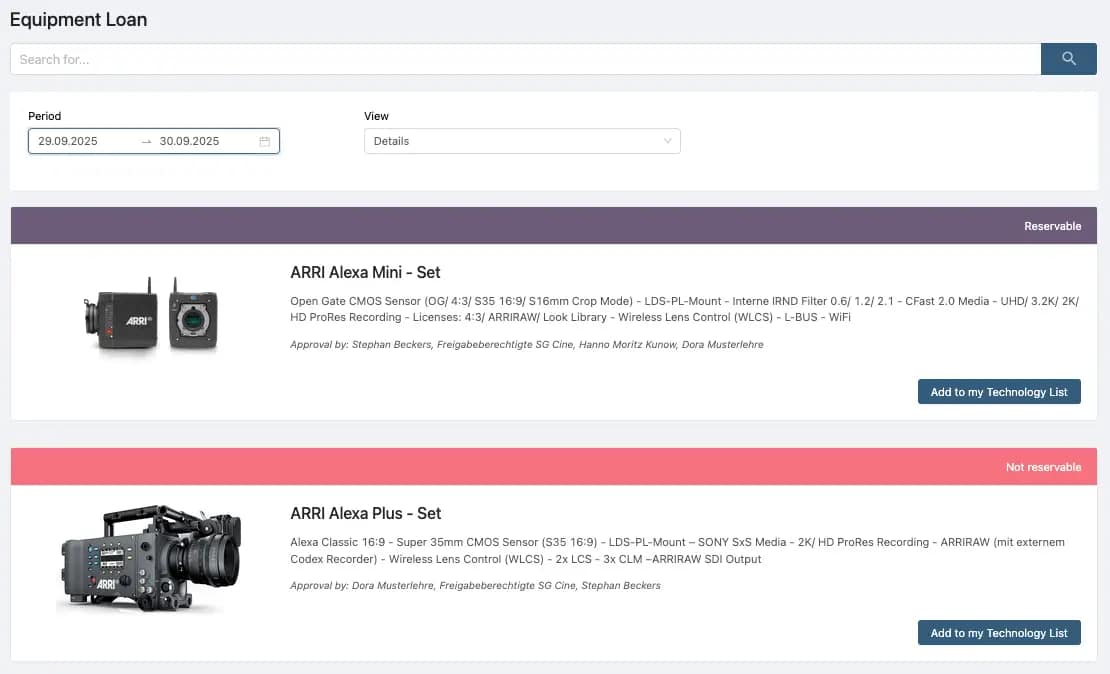
Equipment List with Images and short description. Once you type in your desired rental period, you see the availability.
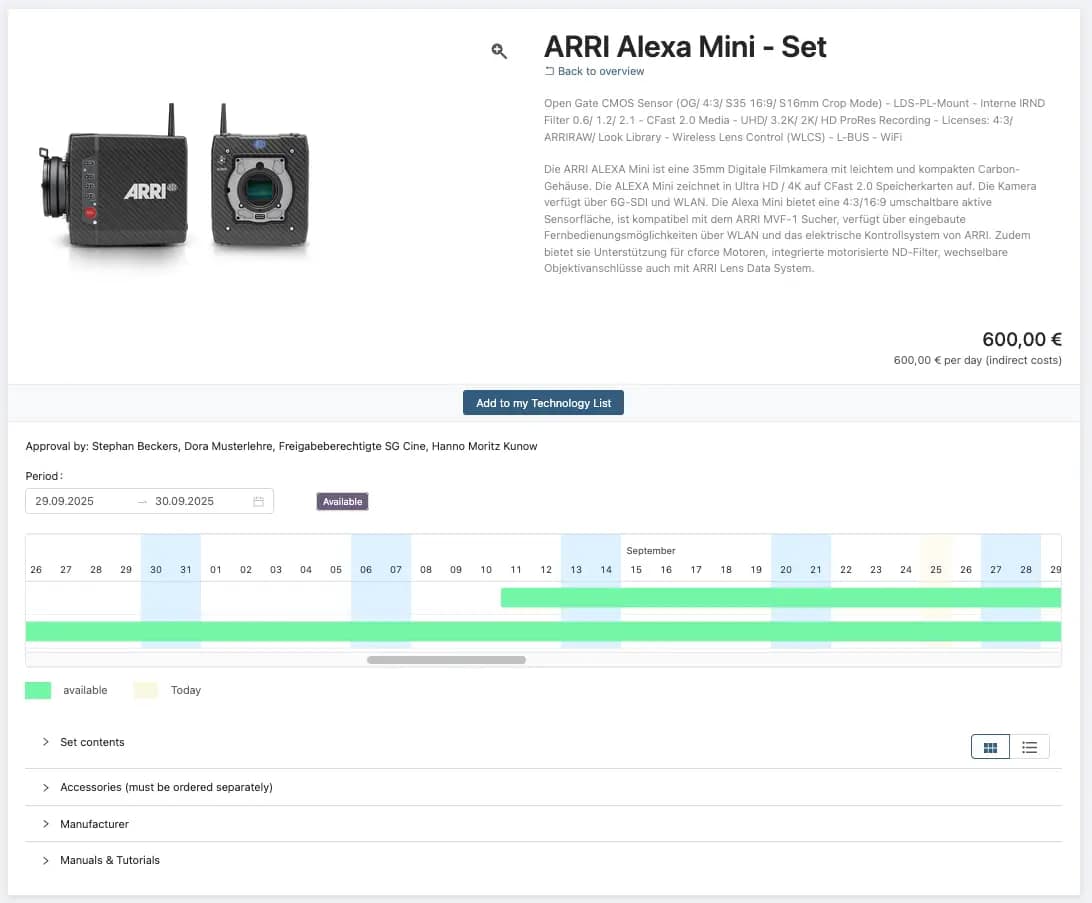
Every detail, made clear for your choice

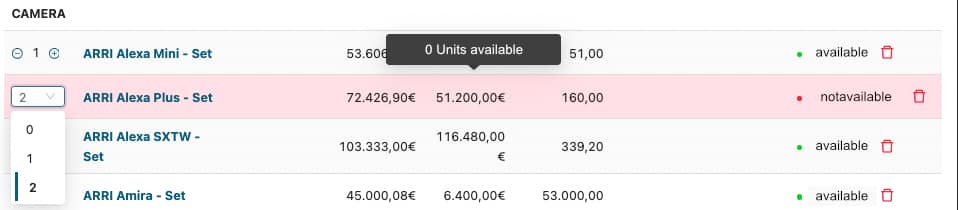
Detailed item description, display of rental cost, availability for each unit.

Additional details in sub-sections

Sub-sections provide you with information: content of equipment-sets, recommended accessories, manufacturer info and manuals & tutorials.
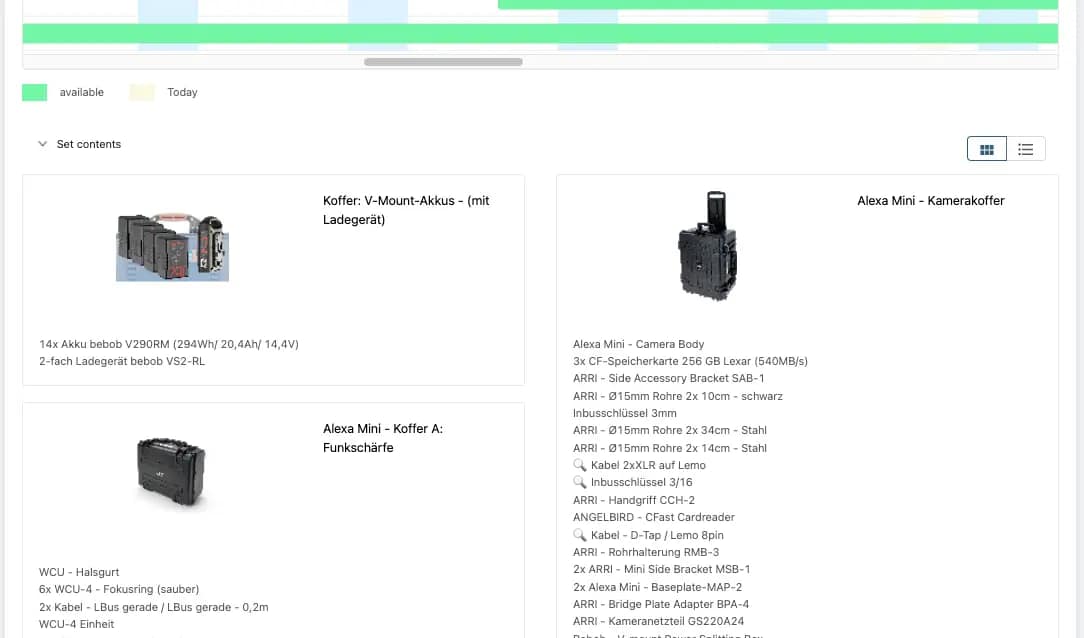
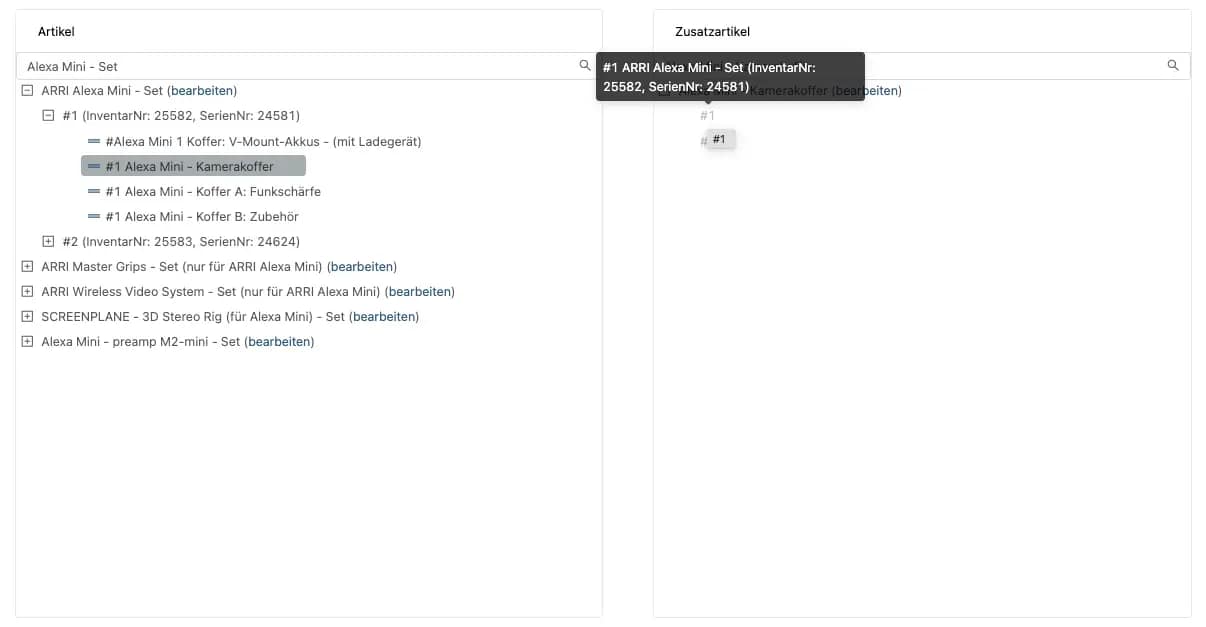
See the content of equipment-sets

Detailed views in sub-sections like content of sets.

Dedicated Tool for set-design

Arrange youe sets via drag-and-drop. Organize your equipment into sets. For example, bind all items of a camera into one set.
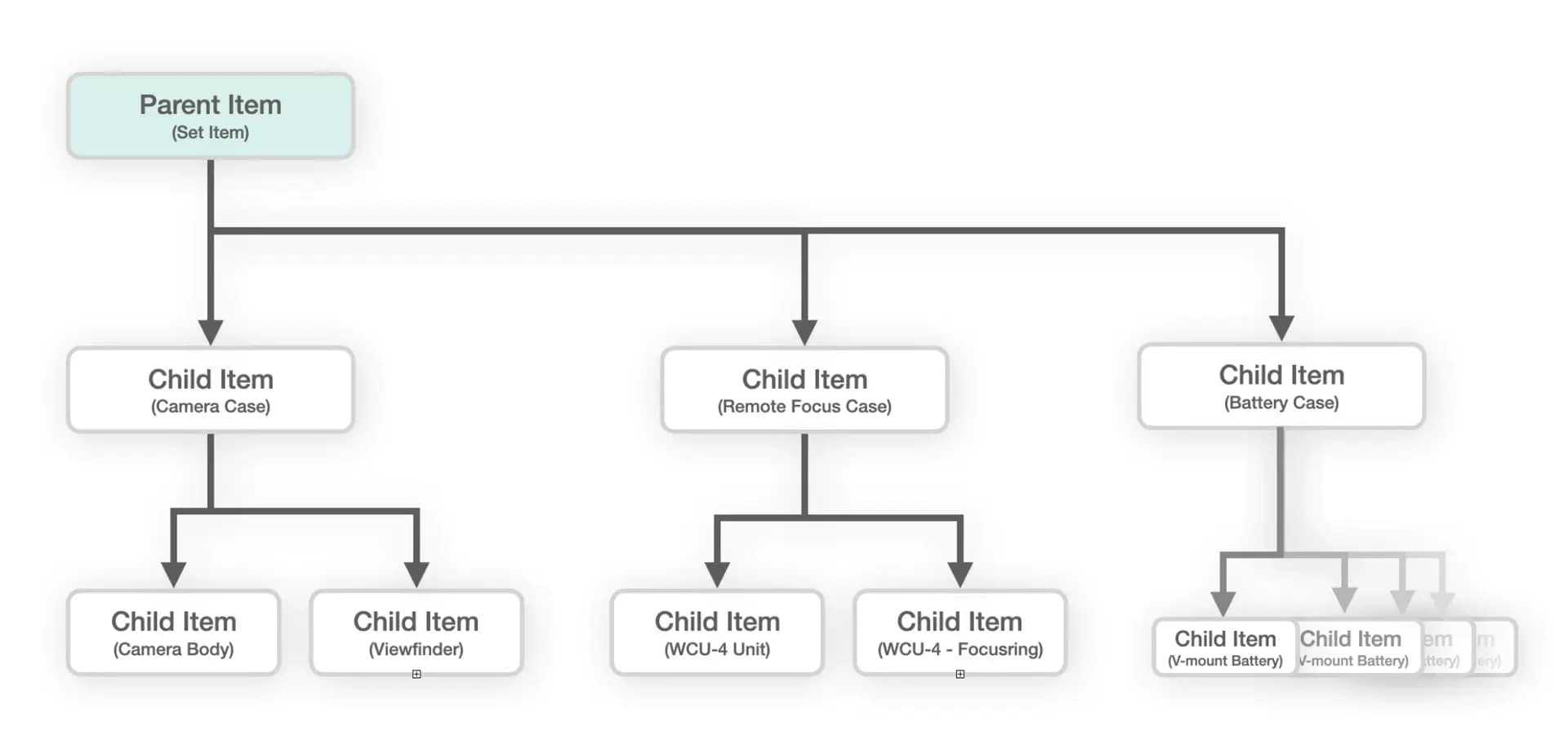
Hierarchical structure

Unlimited levels of hierarchy
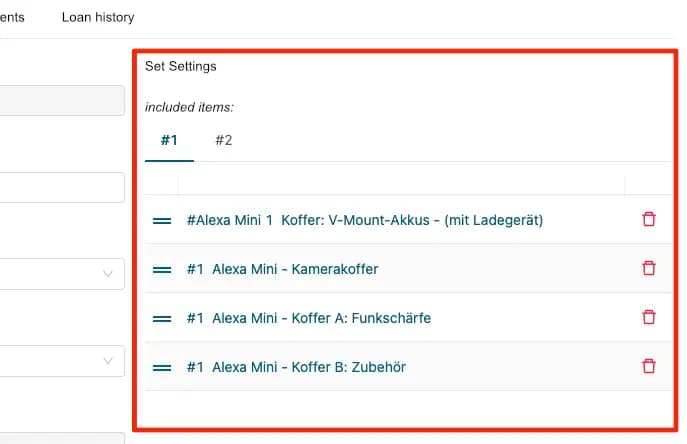
Set design in item management

You can also manage your set in the general item management.

Equipment-sets in borrower view

Detailed view of content in sub-section of article detail view.

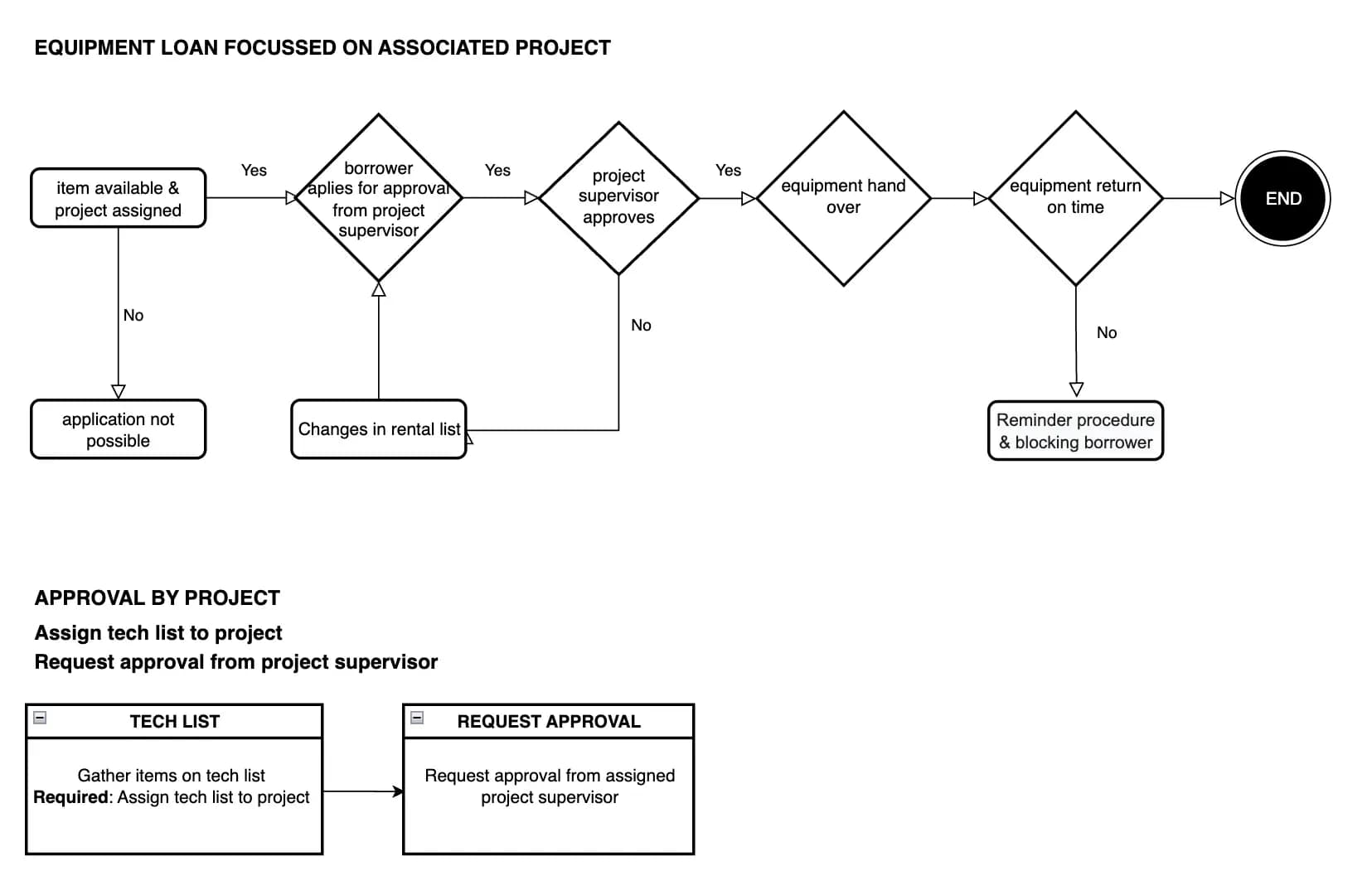
Approval by project

You can chose a project-focussed workflow: Tech lists have to be assigned to a project. Approval ist requested from the assigned project supervisor.
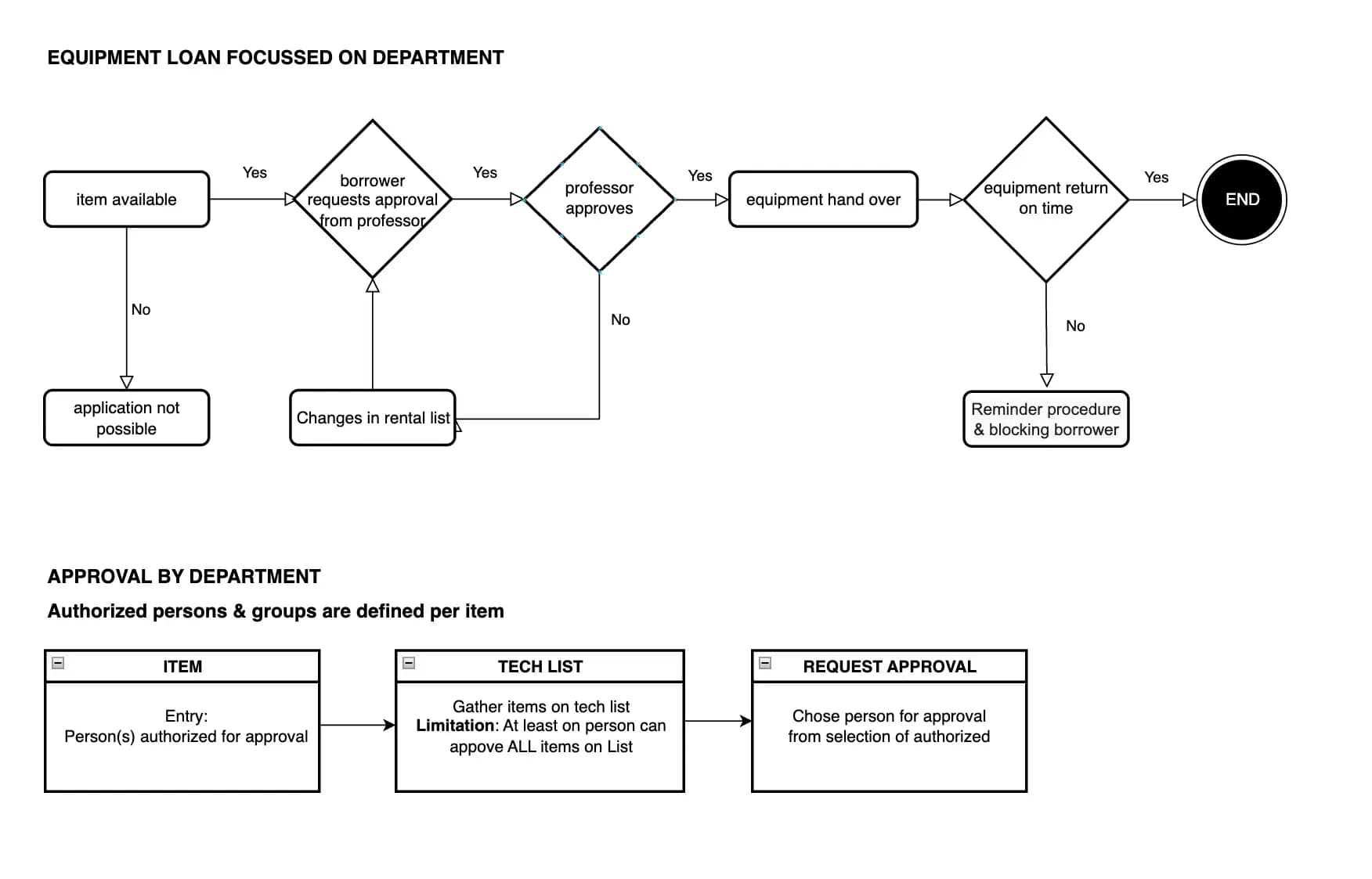
Approval by department

This workflow allows to assign the approval of each item to certain groups. For example thus camera equipment will be approved by lecturers of the cinematography program,

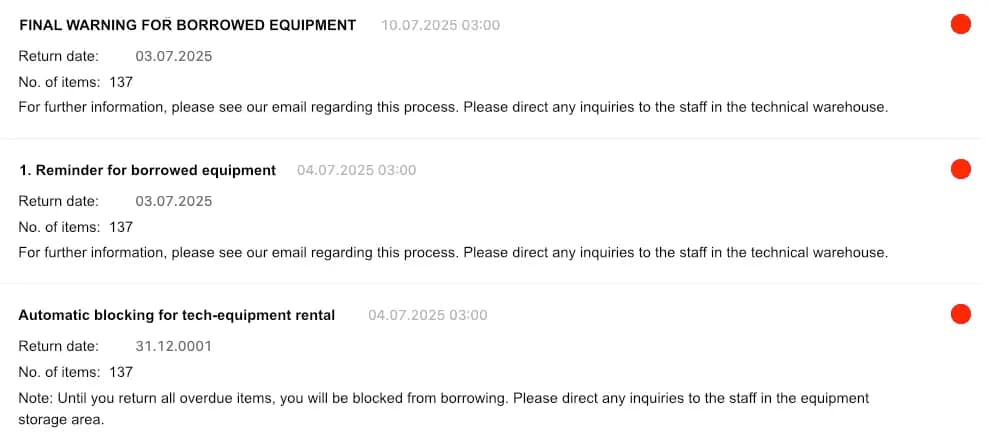
Cascaded notifications of overdue loans

Borrowers will receive multiple warnings if they exceed the rental period. If requested, the borrower will be blocked from further borrowing.

Blocking of overdue equipment

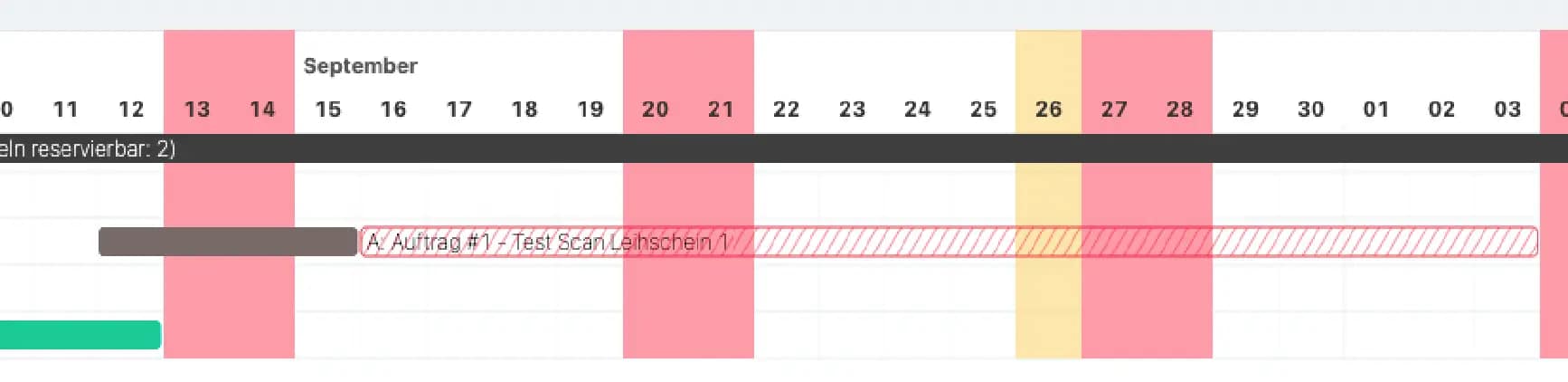
Overdue items can be blocked for further loans. The duration can be adjusted in the system settings. Borrower of this equipment and the staff in the technical warehouse will be notified if the exceedance puts other loans at risk (Back-office view here).

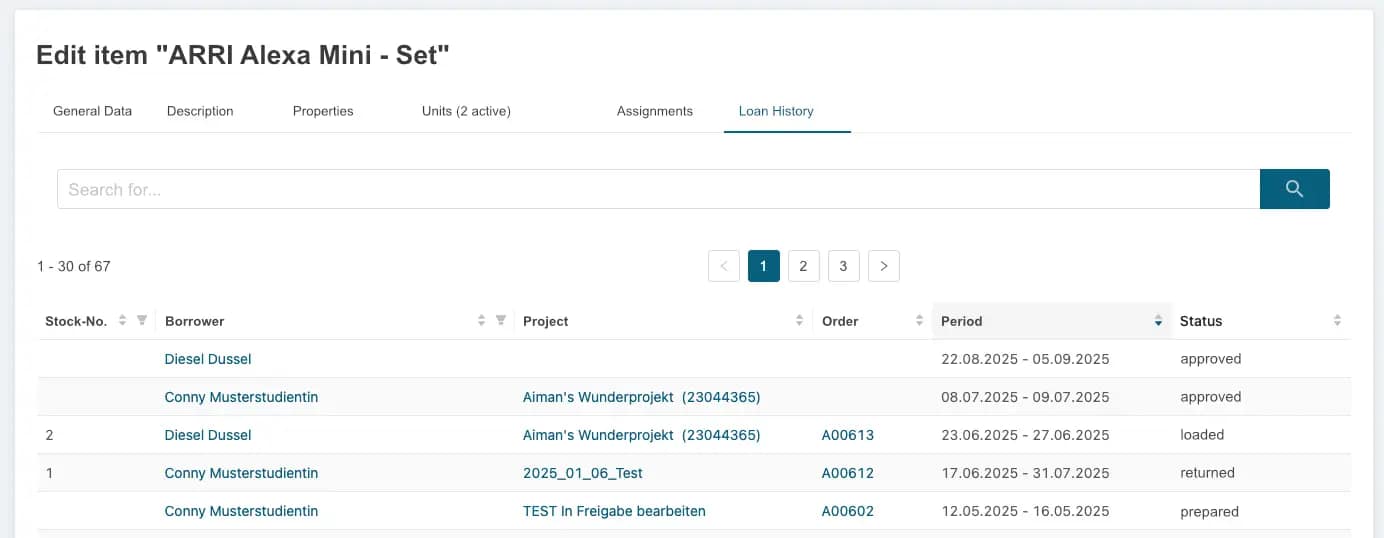
Full rental history in inventory management

The inventory management hosts records of all loans for each unit, including ongoing loans.

Borrow history for each user

The system provides detailed information about the loans of each user. Filter by loan period and status to get clear insights into every user loan — and spot overdue items in no time.
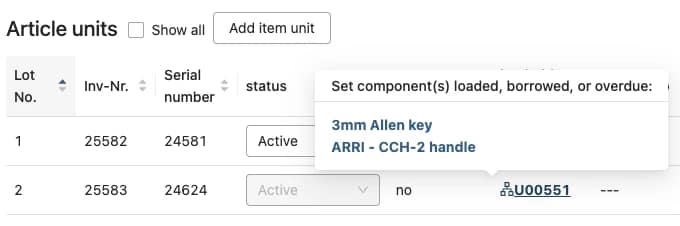
Tracking in the inventory

Know the current whereabouts of each equipment unit

All assigned loans in project view

Loans assigned zu projects can be viewed in a special section of the project page.

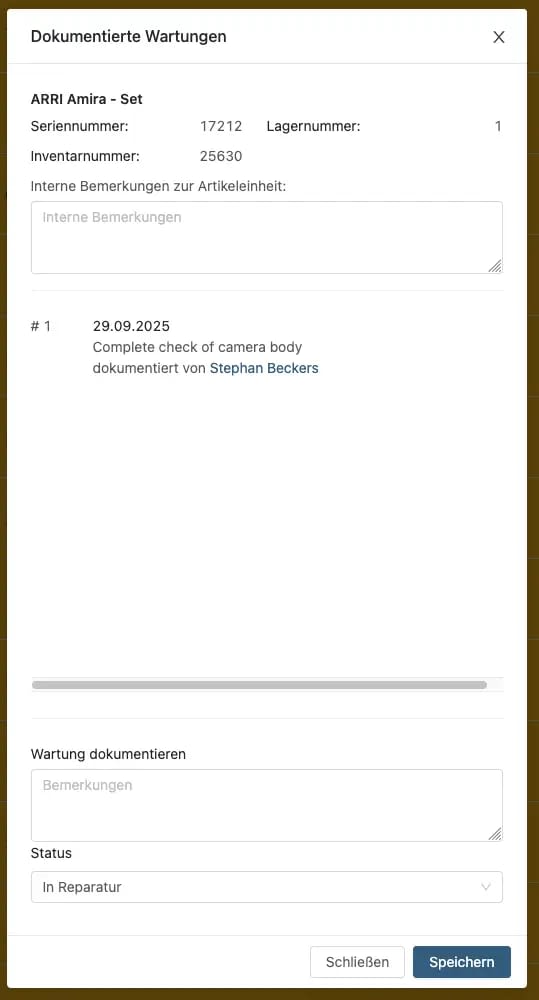
Servicing documentation

Easily log all maintenance tasks
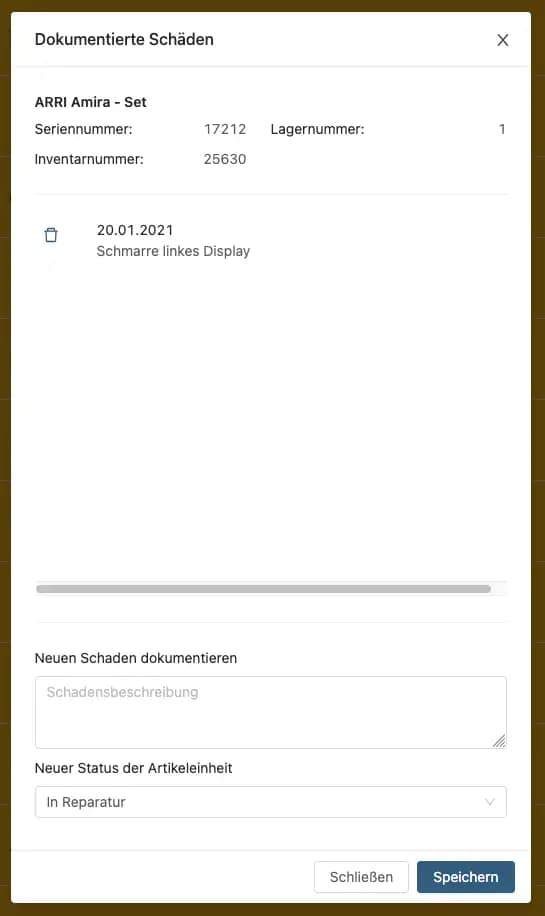
Damage documentation

Log all damages.

Repair section

The repair section provides status of all repairs and items marked for disposal.

Nach oben scrollen